curious refuge ai filmmaking is Curious Refuge's training in AI-assisted storytelling, with a free introduction and paid coursework. For an artist, the useful test is whether that training can take you from generated clips to a coherent video for a finished track. This guide covers curriculum checks, a practical full-song workflow, and when to learn or hire.
- Check the syllabus for storyboarding, shot continuity, editing, and delivery. A strong prompt alone will not finish a music video.
- Test a course against your actual track: can you plan and cut a sequence that holds together through every verse and chorus?
- Choose training if you want to direct future work. If a release date is close, compare the time required to learn against a defined production schedule.
What does Curious Refuge AI filmmaking teach?
Curious Refuge offers introductory AI filmmaking education alongside paid courses and workshops. Its broader focus is AI-assisted storytelling, but the depth of a particular filmmaking track depends on its current syllabus. Check the course you would actually take, rather than assuming every subject appears in every track.
For music-video work, look for instruction that connects prompt development, text-to-video, image-to-video, storyboarding, and post-production. Ask what students finish. A set of striking shots demonstrates generation; an edited project demonstrates pacing and decisions across scenes. The distinction matters when a finished single needs visuals from its opening sound through its last note.
Also check how feedback works. An on-demand lesson can teach a technique, while critique of a portfolio project can expose a continuity problem you have stopped seeing. Verify whether live sessions or cohort-style feedback are included in the access you are considering, and whether you keep access to lessons after payment ends. For the production stages a course needs to support, music videography from treatment to final master provides a useful reference.
How does a course compare with learning individual tools?
Tool tutorials answer narrow questions: how to generate a clip, extend a shot, or alter a frame. Structured training is useful when it makes you decide why that shot belongs in the film, how it connects to the next one, and what to do when the generation fails. Neither route removes the need to edit.
| Learning route | What it handles well | What you must supply |
|---|---|---|
| Individual tool tutorials | Fast answers about a particular generator or feature | A treatment, visual rules, shot selection, and a finished edit |
| Structured filmmaking course | A guided process and, if included, project critique | Practice time, tool access, and judgment about your own track |
| Editing instruction | Timing, transitions, audio alignment, and finishing | The concept and usable footage to cut |
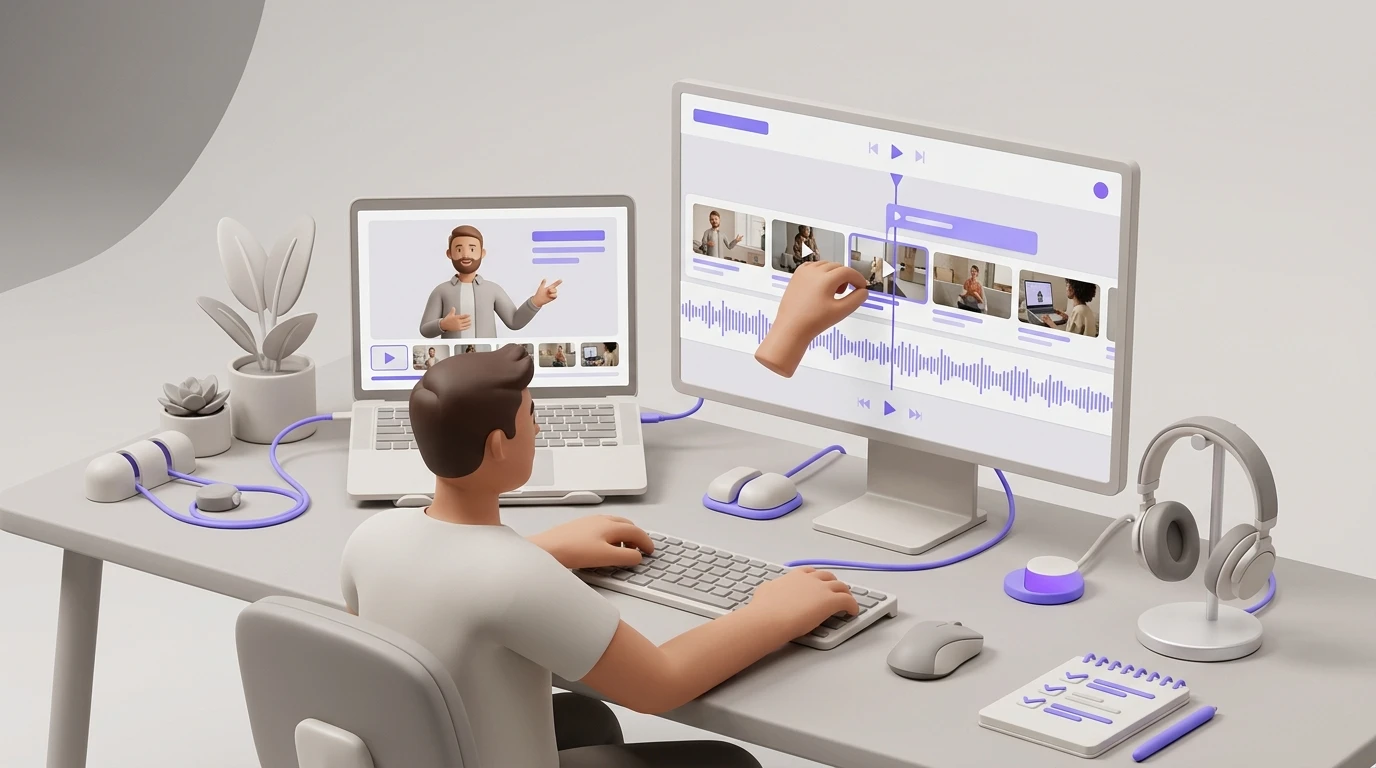
We recommend learning an editing timeline even if you intend to direct rather than operate every tool yourself. Blackmagic Design's DaVinci Resolve training covers editing and finishing separately from generator-specific lessons. A model may change by your next release. The ability to cut on a musical phrase, hold a performance beat, and reject a beautiful but misplaced shot will still transfer.
Which skills transfer to a full-song music video?
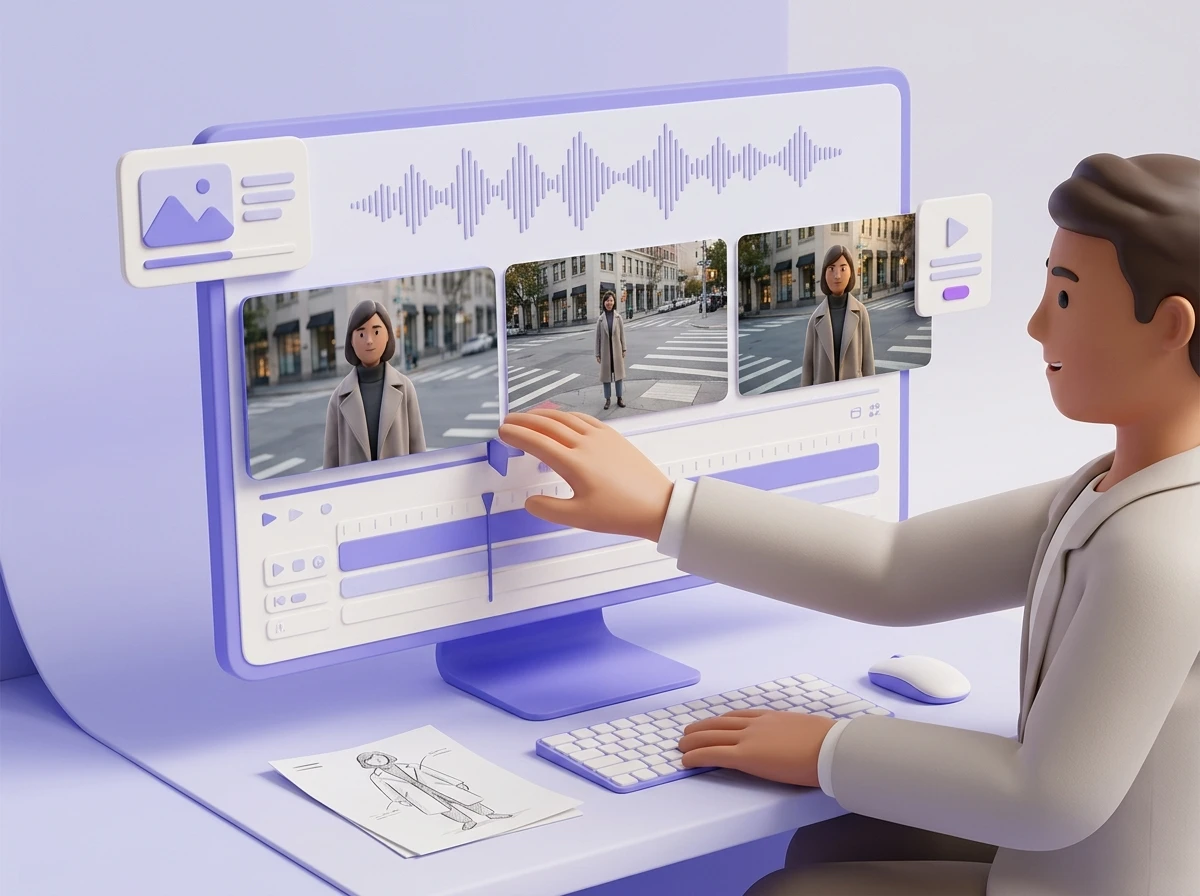
Continuity and music synchronization are the real tests. An isolated clip can hide a changing face or an impossible room. Across a full track, viewers notice when a character's coat, the direction of travel, or the light source changes without a reason. They also feel a cut that lands late against the vocal.
Use a finished track to run a small production exercise in order:
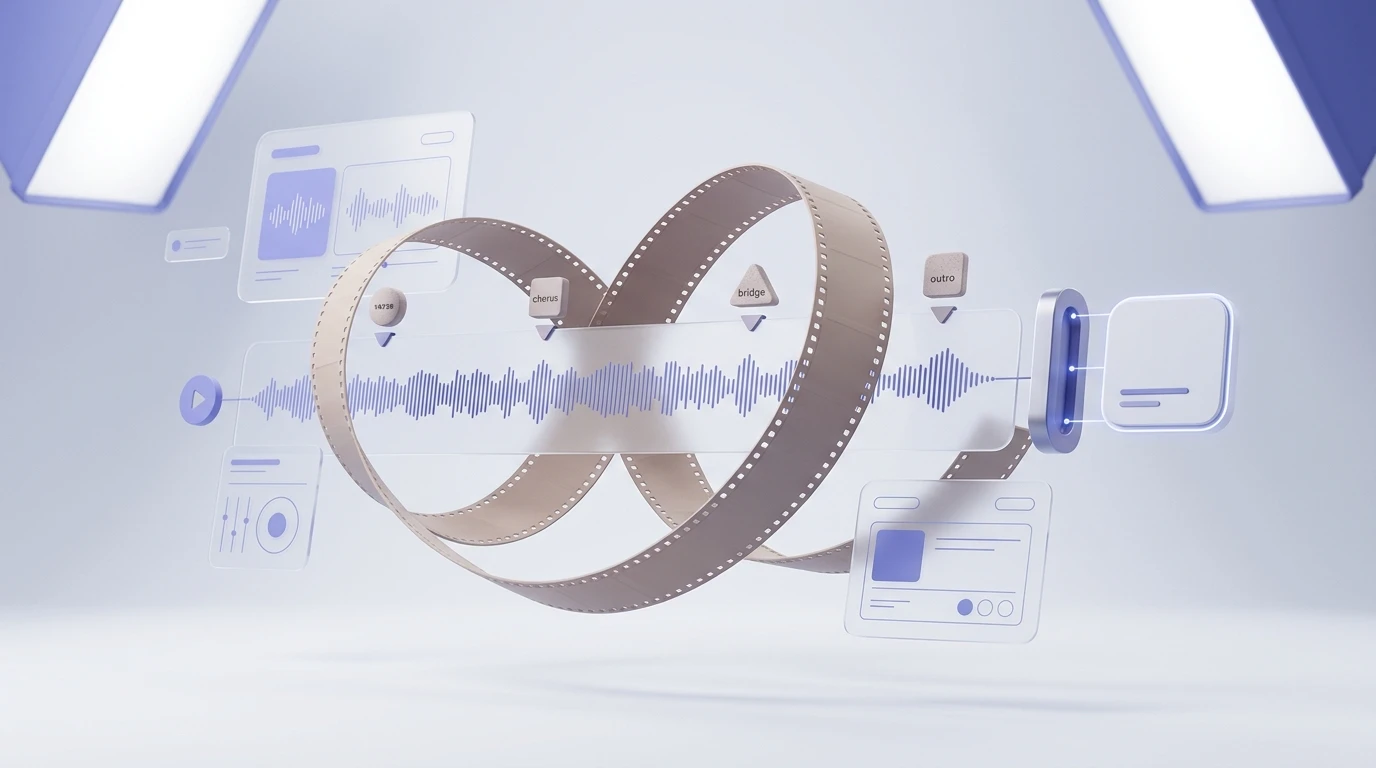
- Map the song. Mark section changes, vocal entrances, instrumental breaks, and the ending on an editing timeline. Decide where the visual world should change and where it should hold still.
- Write a treatment. State the mood, location, recurring subject, and one visual change that develops with the music. Keep the rules short enough to use while reviewing every shot.
- Storyboard the transitions. Plan how each section begins and ends. Record screen direction, framing, wardrobe, and light so adjacent scenes can connect.
- Generate against approved references. Use text-to-video to explore ideas, then use consistent reference frames and image-to-video where a recurring subject or location needs to match. Reject clips that break the treatment, however polished they look.
- Cut to the locked track. Place the song first, build the sequence around its phrases, and watch the complete edit without stopping. Refine shots for rhythm and clarity rather than forcing every cut onto a beat.
- Check both deliveries. Review the full-song master, then reframe the social-ratio adaptation shot by shot. A crop can remove the subject or the action that made a wide composition work.
For a practice brief, try this: A lone figure walks through one amber-lit intersection. Verses stay close and still; choruses reveal more of the street. The last chorus returns to the opening position in morning light. That gives you something specific to storyboard, prompt, reject, and edit. It also exposes whether a course has taught you to direct a visual world rather than collect clips.
Before upload, check the export against YouTube's recommended upload encoding settings. Watch the rendered file all the way through with headphones. A correct timeline does not guarantee a correct master.
What should you verify before enrolling?
Check current modules, price, access terms, and included tools directly with Curious Refuge before paying. A course subscription and the software used in its demonstrations may be separate costs. Confirm which lessons are available now, whether feedback applies to your chosen course, and whether a free introduction gives you enough material to test the teaching style.
Commercial use needs its own check. Read the terms of each generation tool for the inputs you upload and the outputs you plan to release. Clear any music, likenesses, or source material you do not control. The U.S. Copyright Office's AI guidance also makes human authorship relevant to copyright protection; using a tool does not settle what rights you can claim in the finished work.
Save your prompt history, source references, licenses, and edit project with the masters. Those records make later revisions easier and help you identify where a questionable asset entered the cut.
Who should choose a course, self-study, or a production partner?
Choose by the work you want to own and the deadline you actually have. A course makes sense when you intend to develop as a director across releases. Self-study suits artists who can set their own brief and tolerate experiments that fail. A production partner suits a finished track that needs a coherent deliverable on a release schedule.
| Choose | Best fit | Main trade-off |
|---|---|---|
| A course | You want a guided learning path and portfolio work | You still need practice and may need separate software subscriptions |
| Self-study | You have time to test tools and already know how to edit | You must diagnose your own gaps in story and continuity |
| A production partner | The track and release plan are set; delivery is the priority | You direct through a brief and feedback rather than making every shot yourself |
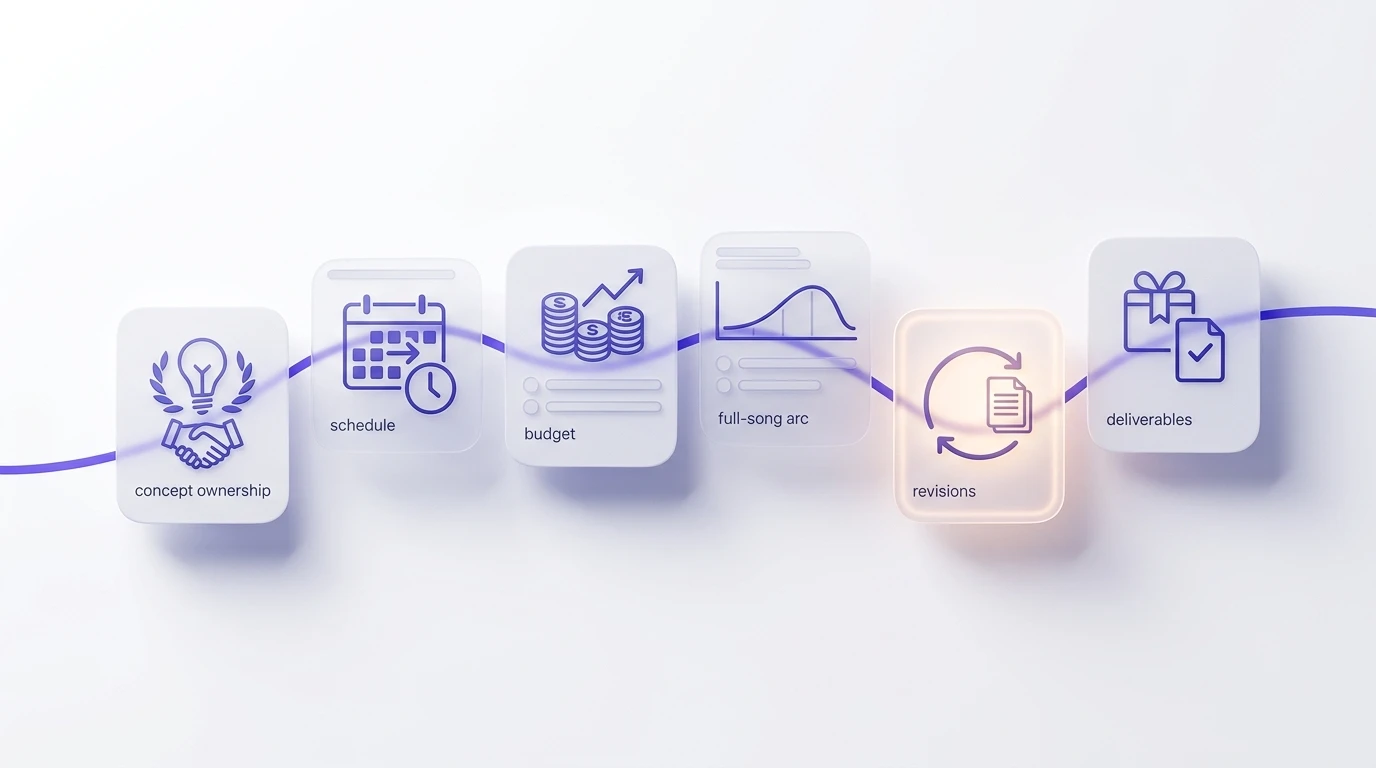
If you compare partners, ask who owns the treatment, who makes the edit decisions, what formats are delivered, and how revisions are handled. How to choose a video production company sets out those production questions. For a concrete cost comparison, SongTrailer's AI music video service for artists is a stated $3,500 flat package for a full-song master and social-ratio adaptation, delivered in about 5-7 business days after intake and direction lock. One creative director owns concept, pacing, and delivery.
Frequently Asked Questions
Is Curious Refuge worth it for music-video makers? It may be if you will use the instruction to finish projects beyond a single release. Check the current syllabus and feedback terms against a full-track exercise before deciding whether its structure offers more than targeted tutorials.
Is there a free AI filmmaking course available? Curious Refuge advertises a free introductory course. Verify its current access terms directly, and use it to judge the teaching style before considering paid coursework.
Which AI is best for filmmaking? There is no single best tool for every shot. Test candidates against your treatment: can they maintain the subject and setting, produce footage you can edit, and grant the usage rights your release requires?
Is it legal to make AI movies? AI-assisted filmmaking can be legal, but each production still needs permission for material it uses and must follow the relevant tool terms. Copyright protection for AI-generated elements is a separate question; check the rules that apply where you release the work.
A course can sharpen your eye. The proof is a finished edit that carries the song without losing its visual logic. Run the track exercise before you commit to a learning path; if your release needs a defined production handoff instead, get in touch with SongTrailer.