
The google flow ai filmmaking tool is Google’s generative filmmaking environment for creating and extending cinematic shots from prompts, reference images, and existing assets. It can accelerate concept development and scene generation around a finished track. This guide explains how Flow works, where human direction remains essential, and what to verify before spending credits or scheduling a release.
- Treat Flow as a shot-generation and previsualization environment. A full-song music video still needs beat mapping, sequencing, sound synchronization, editing, and delivery preparation.
- Lock characters, locations, wardrobe, lighting, and lens language before generating volume. Prompt iteration cannot rescue a visual system that changes from shot to shot.
- Calculate cost by approved footage, not generated footage. Check current credit pricing, export limits, usage terms, and commercial rights before committing a release budget.
- Finish the project in a nonlinear editor, then create dedicated landscape, vertical, and square compositions rather than relying on automatic crops.
What is the google flow ai filmmaking tool?
The google flow ai filmmaking tool combines Google’s generative models within a filmmaking-focused workspace. Google introduced Flow as a way to create cinematic clips, manage visual ingredients, build scenes, and exercise more control over shot construction than a basic text-to-video prompt box.
Flow sits across Google’s broader AI stack. Its available features may draw on Veo for video generation, Imagen for visual creation, and Gemini for language-based interpretation and prompt development. Google outlines that model relationship in its official introduction to Flow and AI filmmaking.
For an artist, the useful distinction is simple: Flow produces visual material at the shot level. It does not replace the complete production chain required to turn a finished master into a coherent music video.
| Flow capability | Practical music video use | Human decision still required |
|---|---|---|
| Text-to-video generation | Explore locations, action, atmosphere, and transitions | Decide which imagery belongs to the song |
| Image references | Carry a character, object, costume, or environment into new shots | Build and police a consistent visual identity |
| Scene extension | Continue movement or expand an established environment | Control pacing and determine where the extension should cut |
| Camera controls | Suggest framing, movement, and point of view | Choose shots that serve the emotional arc |
| Asset management | Reuse selected visual ingredients | Reject weak generations and track approved versions |
| Prompt iteration | Refine action, light, composition, and texture | Diagnose whether the problem is the prompt, reference, model, or concept |
That makes Flow especially useful for AI-assisted previsualization. A director can test whether a deserted motel, submerged ballroom, or neon industrial corridor actually fits the track before committing the entire video to that world.
How does the google flow ai filmmaking tool create connected shots?
The google flow ai filmmaking tool creates connected shots by combining written direction with reusable visual ingredients. Continuity improves when the same approved references, descriptive vocabulary, and scene logic carry across generations.
A prompt alone rarely provides enough control. “Singer walking through a futuristic city” leaves the system to invent the singer, city, wardrobe, time of day, camera position, movement, and color treatment. Each new generation can solve those choices differently.
A production-ready direction is narrower. It identifies the subject, action, environment, framing, camera behavior, light source, palette, and ending state of the shot. The ending matters because it creates a usable handoff into the next clip.
Build a visual bible before building volume. It should define the character’s stable features, approved wardrobe, core locations, recurring objects, lighting rules, texture, aspect ratio, and camera grammar. Reference frames should show clean information rather than several conflicting styles compressed into one collage.
Character consistency remains a quality-control task. Matching a face is only one part of continuity. Hair length, costume details, body proportions, screen direction, weather, shadows, and object placement can all drift. Kpop music videos often move between radically different sets while retaining identity through controlled styling, choreography, color, and repeated motifs. AI-generated sequences need the same discipline.
Use a continuity log during generation. For each approved shot, record the prompt version, source assets, generation mode, character state, screen direction, intended timeline position, and any defect that the edit must hide. This documentation is less glamorous than prompting. It also prevents a director from trying to reconstruct a successful setup after dozens of variations.
Where does Flow fit in a full-song music video workflow?
Flow fits best after the track has been mapped and the visual direction has been approved, but before the full timeline is assembled. Beginning with disconnected prompts usually produces attractive fragments that cannot sustain an entire song.
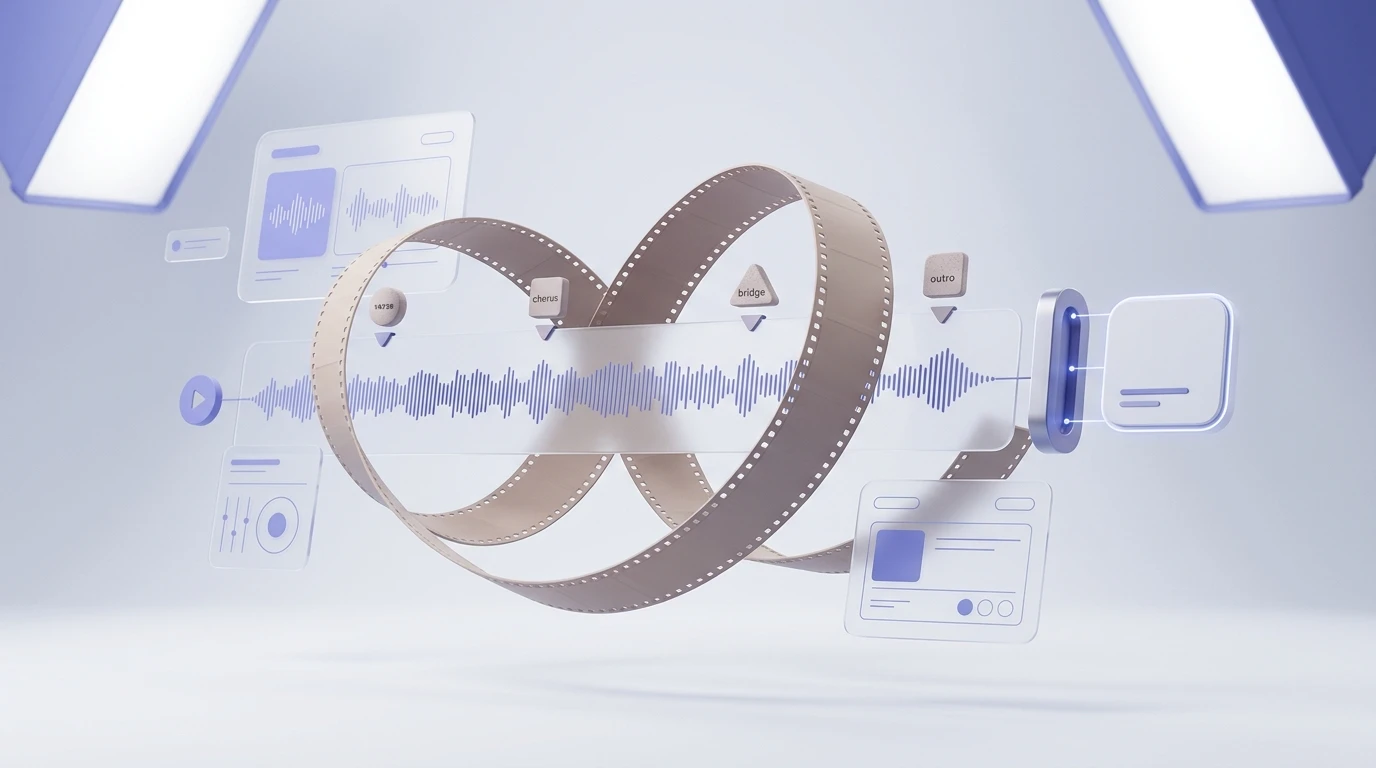
A finished track already contains structure. Mark the intro, verses, pre-choruses, choruses, bridge, instrumental changes, final refrain, and outro inside the editing timeline. Then mark smaller events: vocal entrances, drum fills, dropouts, lyric turns, and sustained notes that deserve a visual hold.
The working sequence is straightforward:
- Prepare the track and rights. Confirm that the audio is final, identify release formats, and collect approved references for every person, logo, location, and artwork element.
- Lock the direction. Write a short treatment, define the visual rules, and map the song’s sections before generating shots. Our guide to music videography from treatment through final master explains the wider production chain.
- Create anchor material. Establish the hero character, primary environment, wardrobe, and recurring visual motifs before attempting transitional or experimental shots.
- Generate in sequences. Work on a connected group of shots for one song section, review continuity, then move to the next section.
- Edit against the mastered track. Place selected clips in a nonlinear editor, trim to musical events, repair pacing, and add transitions only where the cut needs help.
- Finish each delivery ratio. Reframe, rebuild graphics, inspect faces and hands, check compression, and export separate masters for the required platforms.
What great music videos of all time teach about sequencing
The great music videos of all time are remembered for directed sequences, not isolated frames. The Michael Jackson Smooth Criminal music video uses set geography, choreography, reaction shots, and camera movement to build escalation. Billie Jean uses repeated visual rules and controlled reveals, proving that a clear system can carry more weight than constant spectacle.
Flow can help create individual moments within such a system. The director still decides when the visual world should expand, when a close-up should interrupt scale, and when the edit should hold instead of cutting on every beat.
Avoid filling every second with generated movement. A full-song piece needs contrast. Rapid passages gain force when surrounded by calmer shots, and a restrained verse gives the chorus somewhere to go.
From AI filmmaking to video production services
Video production services cover direction, asset preparation, generation or capture, editorial construction, audio synchronization, finishing, quality control, and delivery. Flow addresses part of that chain. It does not deliver the entire chain by itself.
This distinction matters when a release date is close. Time saved during scene generation can disappear during continuity repair, clip selection, artifact cleanup, and ratio adaptation. A creator who generates hundreds of clips without a shot plan has created a larger review problem, not a more complete video.
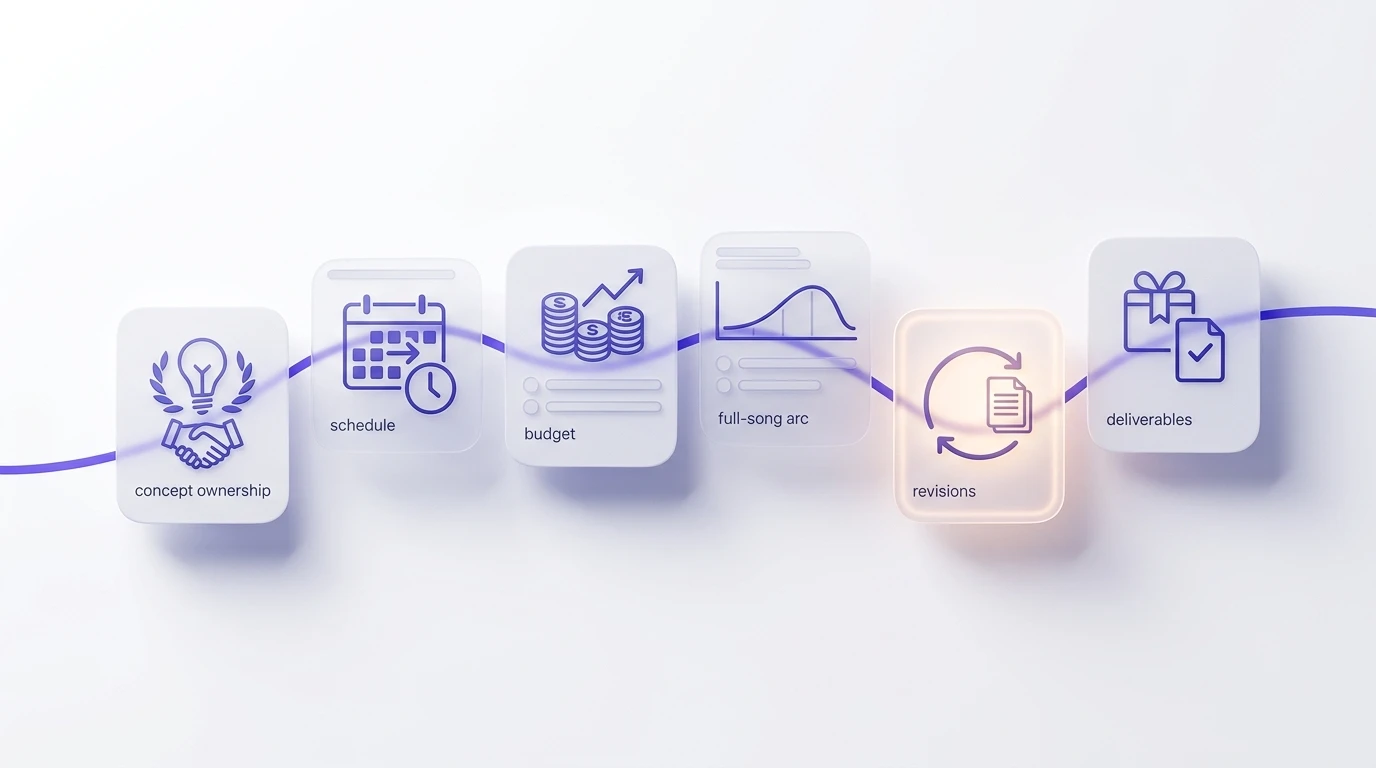
| Production requirement | Flow can assist | Separate production work |
|---|---|---|
| Treatment development | Visual exploration and scene tests | Concept ownership and narrative decisions |
| Principal imagery | Generated clips and scene extensions | Selection, continuity control, replacement shots |
| Music synchronization | Material can be generated for planned moments | Frame-accurate editing against the final track |
| Full-song pacing | Supplies shot options | Builds the emotional and rhythmic arc |
| Titles and graphics | May provide visual backgrounds | Typography, safe areas, legal lines, final placement |
| Social versions | Generates alternate material if needed | Intentional reframing and platform-specific timing |
| Delivery masters | Provides source outputs | Color review, audio checks, encoding, naming, archive |
Flow should also be distinguished from a video camera for music videos. A camera records a performer’s specific face, movement, styling, and physical interaction. Generative video synthesizes those details, which introduces drift and may be unsuitable when exact choreography, product appearance, or artist likeness must remain faithful.
A hybrid workflow often makes sense. Capture irreplaceable performance material with a camera, then use Flow for environments, dream sequences, inserts, transitions, or visual effects plates. Artists considering a fully generated approach can review how a directed AI music video for artists moves from a finished track to an edited deliverable.
Costs, limits, and rights artists should check

Flow’s practical cost depends on the current subscription tier, model, generation mode, credit allowance, and number of discarded outputs. Google can change access, regional availability, credit consumption, model options, and export capabilities, so verify the live details on the official Google AI plans page before setting a budget.
Measure cost per approved second. Generated seconds are an input cost. Approved seconds are the footage that survives continuity review and reaches the timeline. A low generation price can still produce an expensive sequence if most outputs contain identity drift, unusable motion, broken anatomy, or composition that cannot survive the intended crop.
Export settings deserve the same scrutiny. Check resolution, aspect ratio, frame behavior, watermarking, upscaling options, download format, and whether a generated clip retains enough detail for the final delivery master. Never assume that a visually impressive browser preview will hold up after grading, compression, and a large-screen playback test.
Rights require project-specific review. Read the current Google terms attached to the exact account, plan, and tool being used. Then check four separate rights layers: the finished recording, reference assets, depicted people, and generated output. Permission to use a song does not grant permission to imitate a living performer, copy protected artwork, reproduce a trademark, or upload someone else’s photography as a reference.
Copyright treatment also varies by jurisdiction. The U.S. Copyright Office’s report on copyrightability and generative AI explains that copyright protection depends on human-authored expression rather than the mere provision of prompts. Keep treatment drafts, edit decisions, source files, prompt records, and version histories where authorship may matter.
Platform disclosure rules can apply when realistic synthetic material depicts real people or events. YouTube explains its disclosure requirements in its guidance for altered or synthetic content. Labels should make that review part of delivery QC rather than leaving it until upload day.
A practical approval standard
An AI-generated shot is ready for the edit when it works at playback speed, supports the song section, connects to adjacent shots, and survives the final crop. A beautiful frame can still fail all four tests.
Review footage in context. Pause-frame inspection finds identity changes, extra limbs, warped objects, unstable text, and background discontinuities. Full-speed playback reveals a different class of problems: floaty timing, weightless motion, camera acceleration, awkward eye lines, and action that reaches its peak too early.
Then test the social-ratio version. A wide composition with the artist placed near the edge may collapse in a vertical frame. Reframing can also expose soft details that were less visible in the landscape master. Purpose-built alternatives usually look better than a blind center crop.
When comparing outside help, ask who owns direction, continuity, editing, revision control, ratios, and final exports. How to choose a video production company provides a practical framework for evaluating scope instead of comparing attractive sample clips alone.
Frequently Asked Questions
What is the difference between videography and video production?
Videography usually refers to capturing footage with a camera. Video production covers the broader process, including concept development, directing, asset creation, filming or generation, editing, sound synchronization, finishing, and delivery.
Is Google Flow the best tool for video editing?
Flow is designed around generative filmmaking and scene creation. Frame-accurate music synchronization, detailed trimming, audio handling, graphics, color finishing, and final exports still belong in a dedicated nonlinear editor.
What does the 80/20 rule mean in video editing?
Editors often use the phrase informally to describe how a small share of selected footage carries most of the final piece, or how the last refinement stage consumes a disproportionate amount of time. It is a working heuristic rather than a formal editing standard, so use it to protect review time rather than as a fixed formula.
What are the 10 best music videos of all time?
No objective list exists because criteria differ across choreography, narrative, cinematography, cultural influence, and technical innovation. For Flow projects, study videos with clear visual rules and sequence construction, including Smooth Criminal, Billie Jean, and tightly art-directed Kpop music videos.
How much does a videographer cost for a music video?
Cost depends on shoot days, crew size, equipment, locations, art direction, post-production, and usage requirements. Compare complete scopes rather than camera-day rates because editing, revisions, social versions, and delivery masters can materially change the final budget.
Flow can shorten the distance between an idea and a usable cinematic shot. Direction and editing determine whether those shots become a full-song experience. If your finished track needs a directed visual world, predictable scope, and platform-ready masters, get in touch with SongTrailer to discuss the release.