The music videos pop artists should study give each section of the song a visual job. Watch for the move, transition or reveal that lands on the hook. Build your own version around the finished track, edit a full-song master in YouTube’s standard 16:9 desktop ratio, then reframe the action for vertical.
- Use official playlists to find references and a dated chart to check popularity. Write down one technique worth borrowing from each video you save.
- Match the format to the release. Make a full-song video when the idea can develop across the track. Use a visualizer when one image can carry it.
- Map the chorus return before you storyboard. Give it a visible change, then check that the same moment still reads on a phone.
Pop Music Videos to Study
Use official artist or label playlists to find videos worth watching. To find the most popular music video right now, open the music video chart on YouTube Charts and check the market and reporting period. The top entry leads that chart for that window. A playlist position or lifetime view count tells you something different.
When you watch, note what changes and where it lands in the song. Borrow that decision instead of the costume, set or effect.
| Official video | What to watch | What to borrow |
|---|---|---|
| Beyoncé, “Single Ladies (Put a Ring on It)” | Group movement reads clearly against a bare backdrop. The frame gives the dancers room to finish the phrase. | Hold a wide shot through your strongest chorus move. Cut once the move lands. |
| Beyoncé, “Formation” | The video returns to the image of Beyoncé on a police car in floodwater. | Bring back a recognizable setup near the end and change one detail so the return has meaning. |
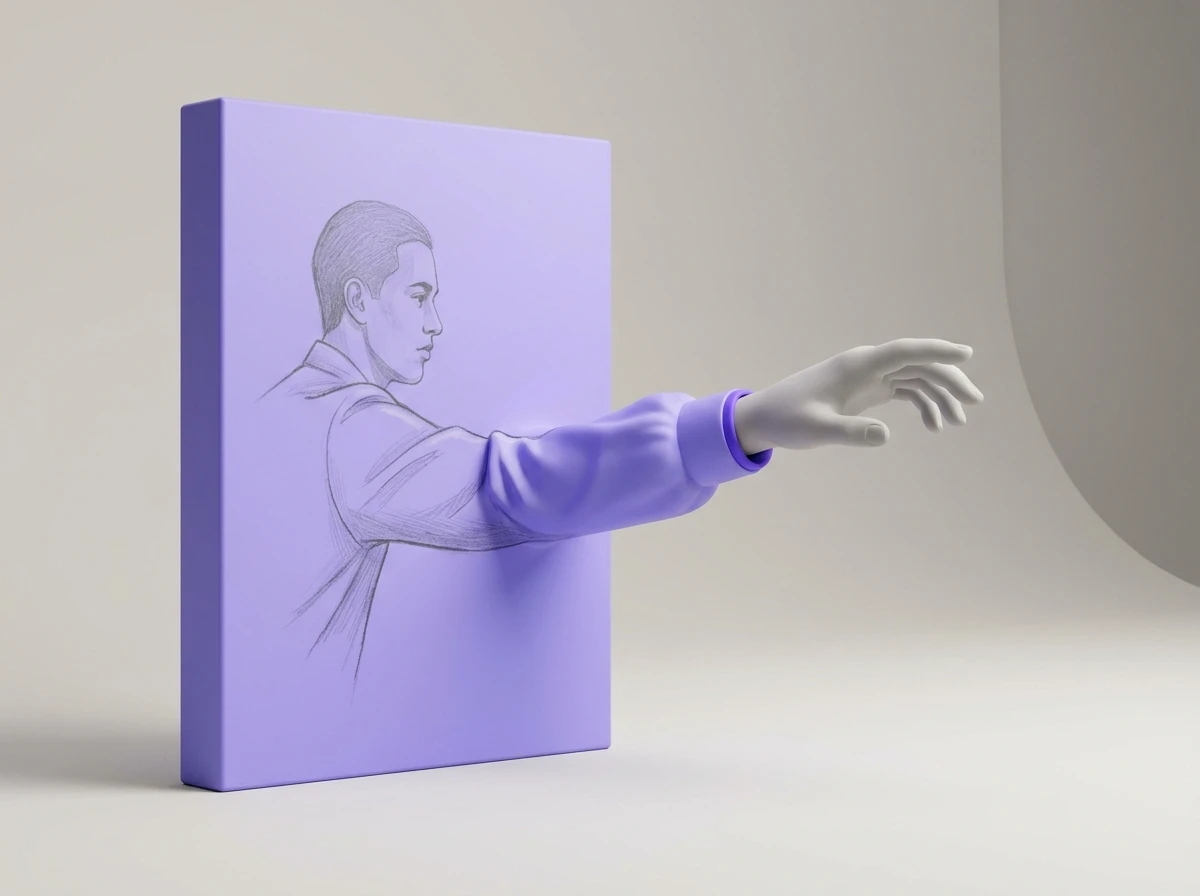
| a-ha, “Take On Me” | A hand reaching out of a comic panel connects live action to pencil animation. | Carry one gesture across a change in visual style so the viewer knows where to look. |
| Katy Perry, “Firework” | Sparks erupt from Perry’s chest in the first chorus, giving the hook a literal image. | Hold your biggest reveal until the chorus. Give the hook something the verse could not show. |
The Right Format for the Release
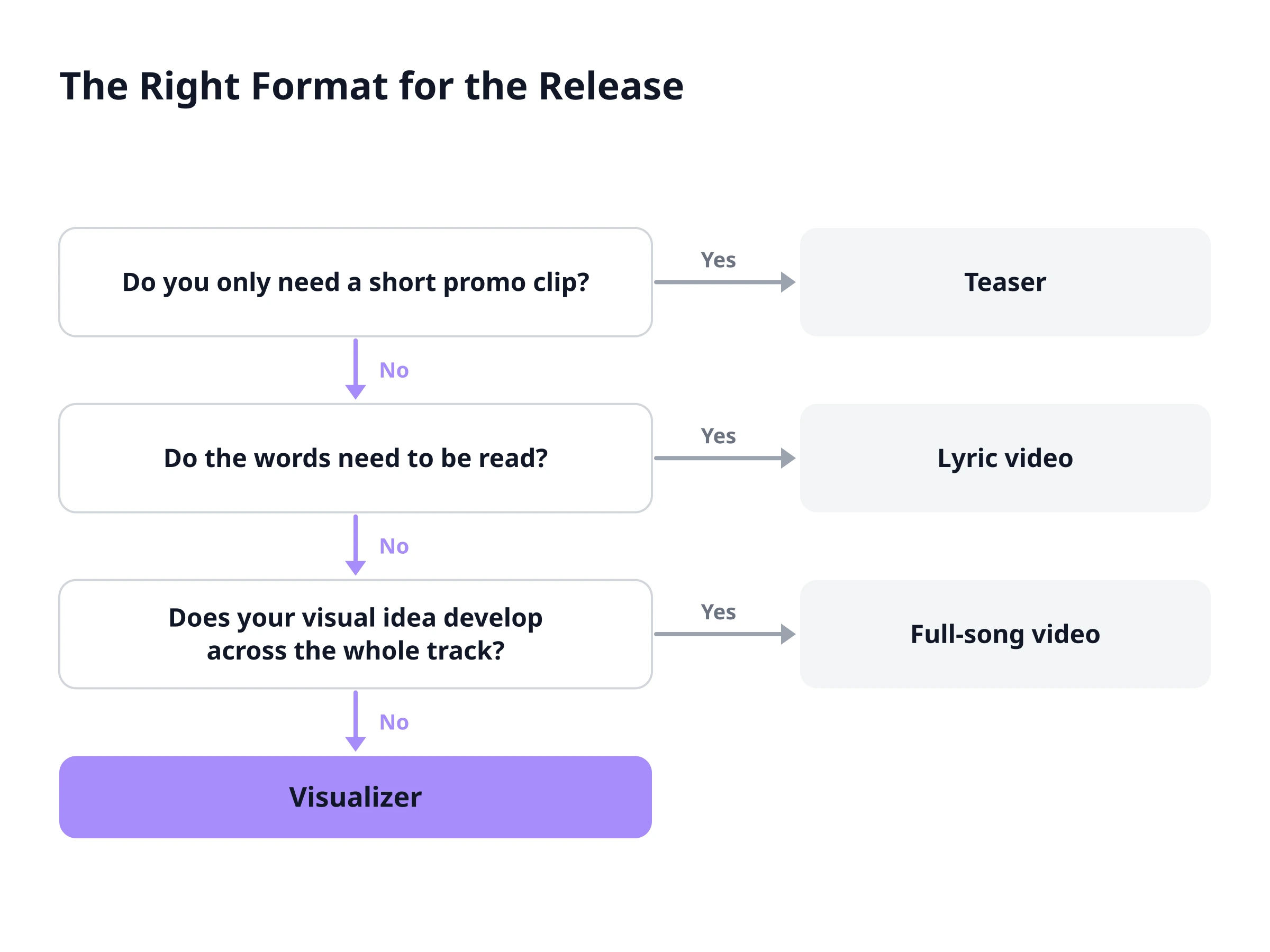
Use a teaser when you only need a short promo clip. For a full-track release, choose a lyric video when the words need to be read as the song plays.
Choose a full-song video when your visual idea develops across the whole track. If one image or loop can carry the mood, make a visualizer. We’d rather see a strong loop than a full edit that spends its best shot on the first chorus and has nowhere to go.
Choosing a Production Approach
Live action is the first choice when the audience needs to see you sing, move or hold a close-up. The schedule depends on crew and location availability, plus time for the edit. Match lighting and wardrobe between setups, and get alternate framing on set if the wide shot leaves the artist too small in vertical.
Animation fits when the world matters more than a filmed performance. Animated music videos can still put the artist on screen as a designed character, with a reference sheet to keep their silhouette and costume consistent. Approve a timed storyboard before full animation, while key compositions can still be adjusted for both ratios.
Human-directed, AI-assisted production fits stylized worlds or settings you can’t readily shoot. If a recognizable face or tight lip-sync is central to the idea, approve a moving test first. Leave time to replace shots where likeness or motion drifts, and ask who handles continuity and the vertical edit. When choosing a video production company, have each team quote the same masters and specify what review time is included.
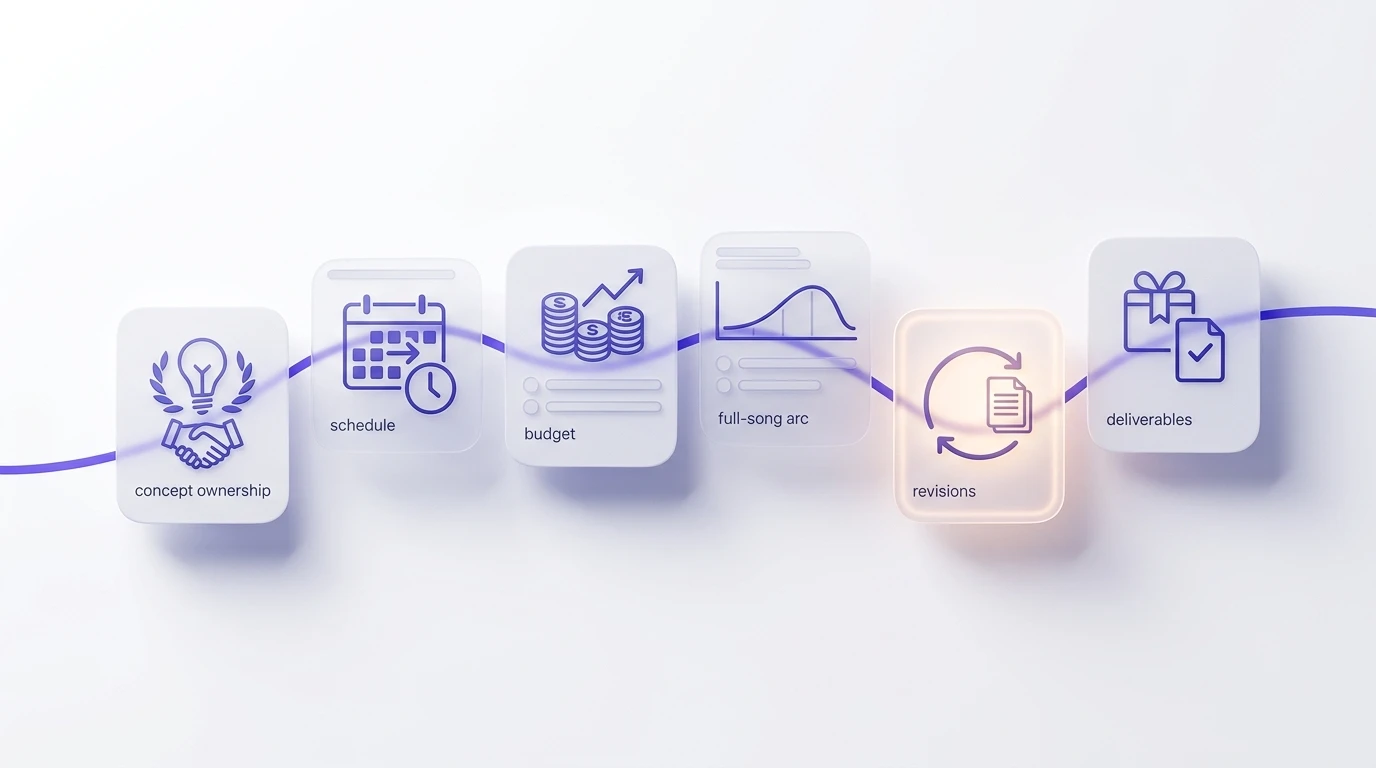
At SongTrailer, one creative director owns the concept through the final human edit, and our AI-assisted music video package for artists is $3,500 flat for a full-song master and social-ratio adaptation, with delivery in about 5 to 7 business days after intake and direction lock.
From Treatment to Final Cut
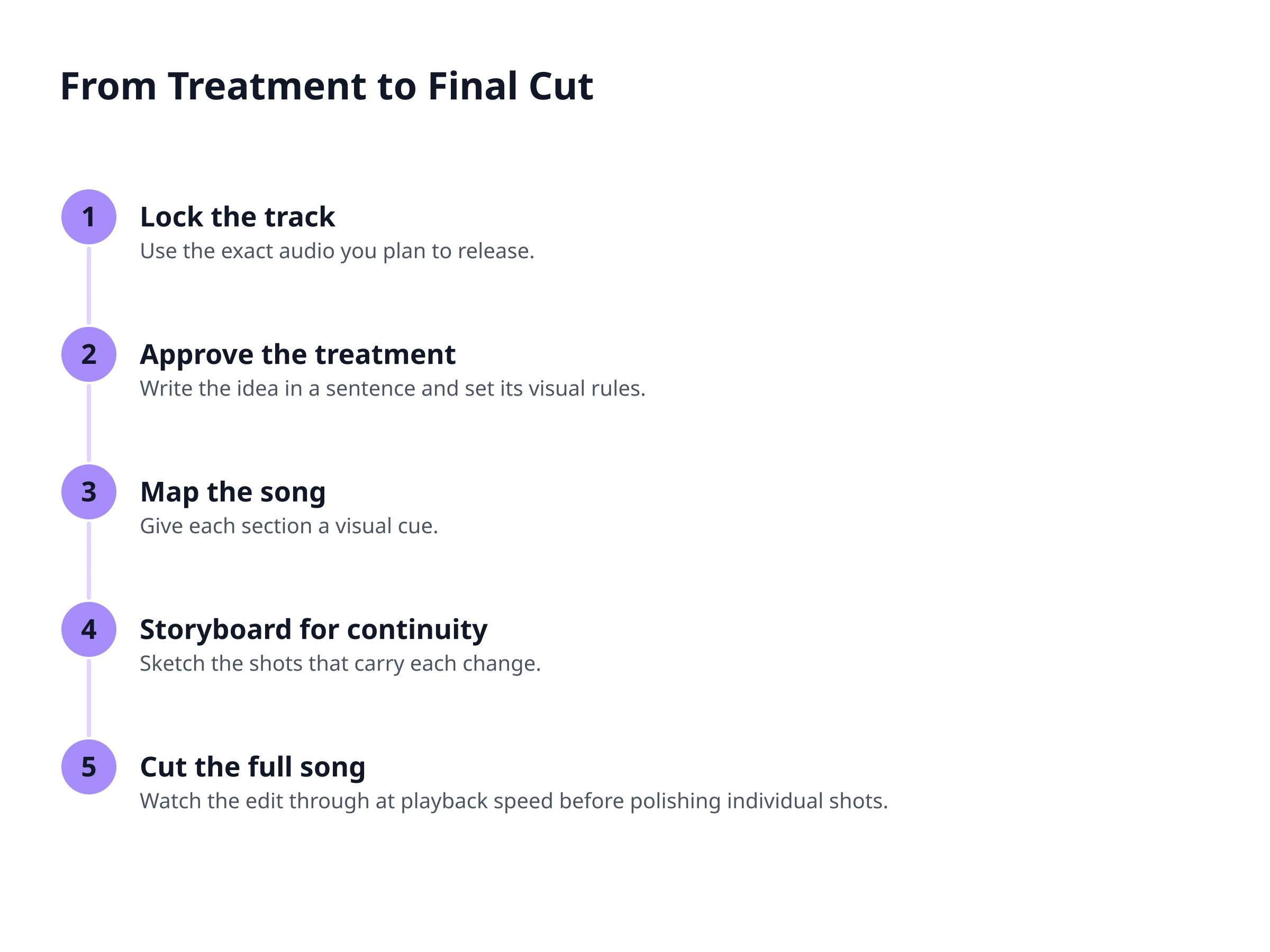
A music video treatment is the short document that sets the concept, mood and rules for the visual world. In the music videography workflow from treatment to final master, those choices have to hold up shot by shot. Use a song map to decide when each change happens before the storyboard decides what it looks like.
- Lock the track. Use the exact audio you plan to release. Confirm the intro and ending before marking cues, so a new bounce doesn’t shift the cuts.
- Approve the treatment. Write the idea in a sentence and set its visual rules. For example: an artist waits in a dark laundromat that wakes up on the hook. Keep the room cold blue until the washers light up.
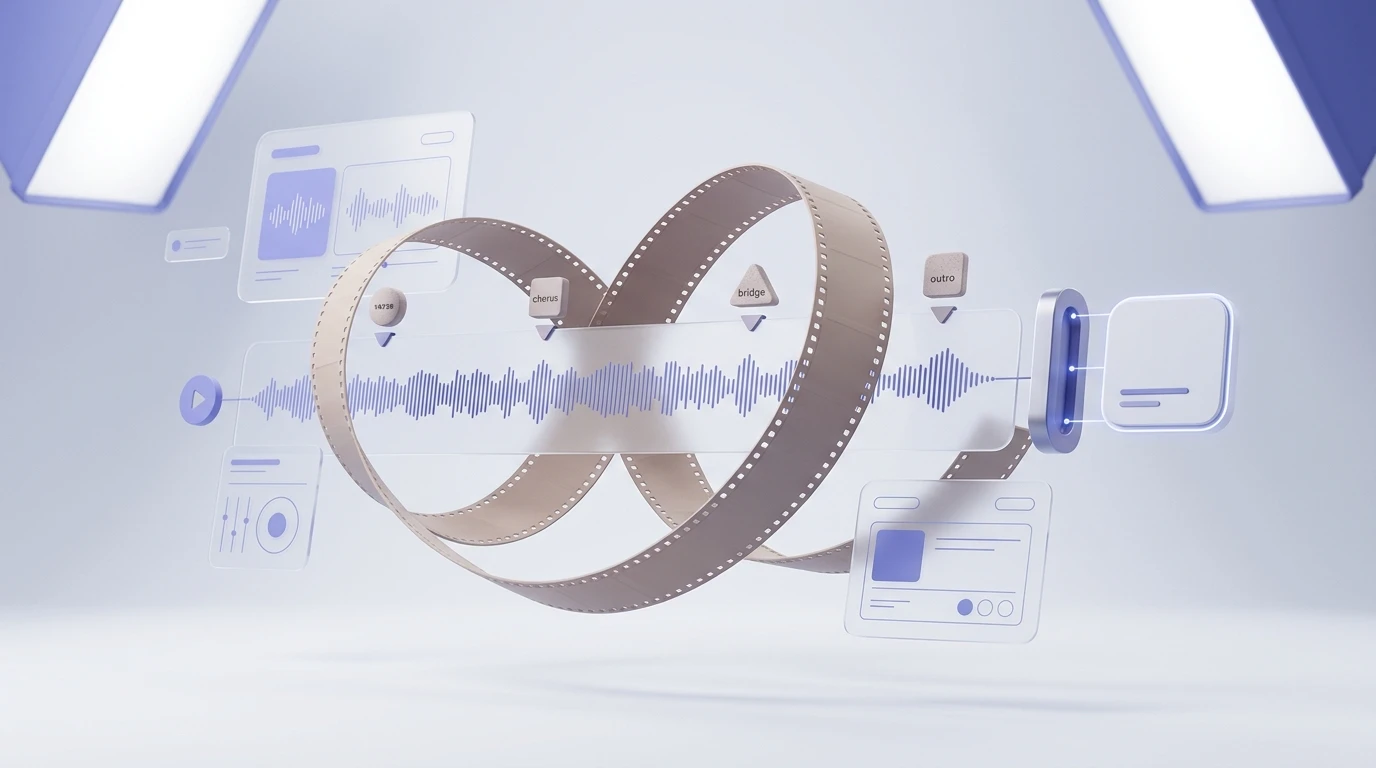
- Map the song. Give each section a visual cue. Open on an unlit washer door, light one drum on the first chorus, then catch the artist’s reflection in the glass during the second verse. Light the whole row on the chorus return. Hold a dark wide shot through the bridge, bring the lights back on the last hook and leave one door glowing on the outro.
- Storyboard for continuity. Sketch the shots that carry each change. Use a continuity sheet keyed to shot and song cue to track character, wardrobe, palette and motion. If the artist crosses left to right toward the washers, keep that direction across the cut unless the reversal is deliberate.
- Cut the full song. Watch the edit through at playback speed before polishing individual shots. If the chorus feels like another verse, change the framing or movement first. Extra cuts won’t create a lift if the image keeps doing the same job.
Widescreen, Vertical and Release Preflight
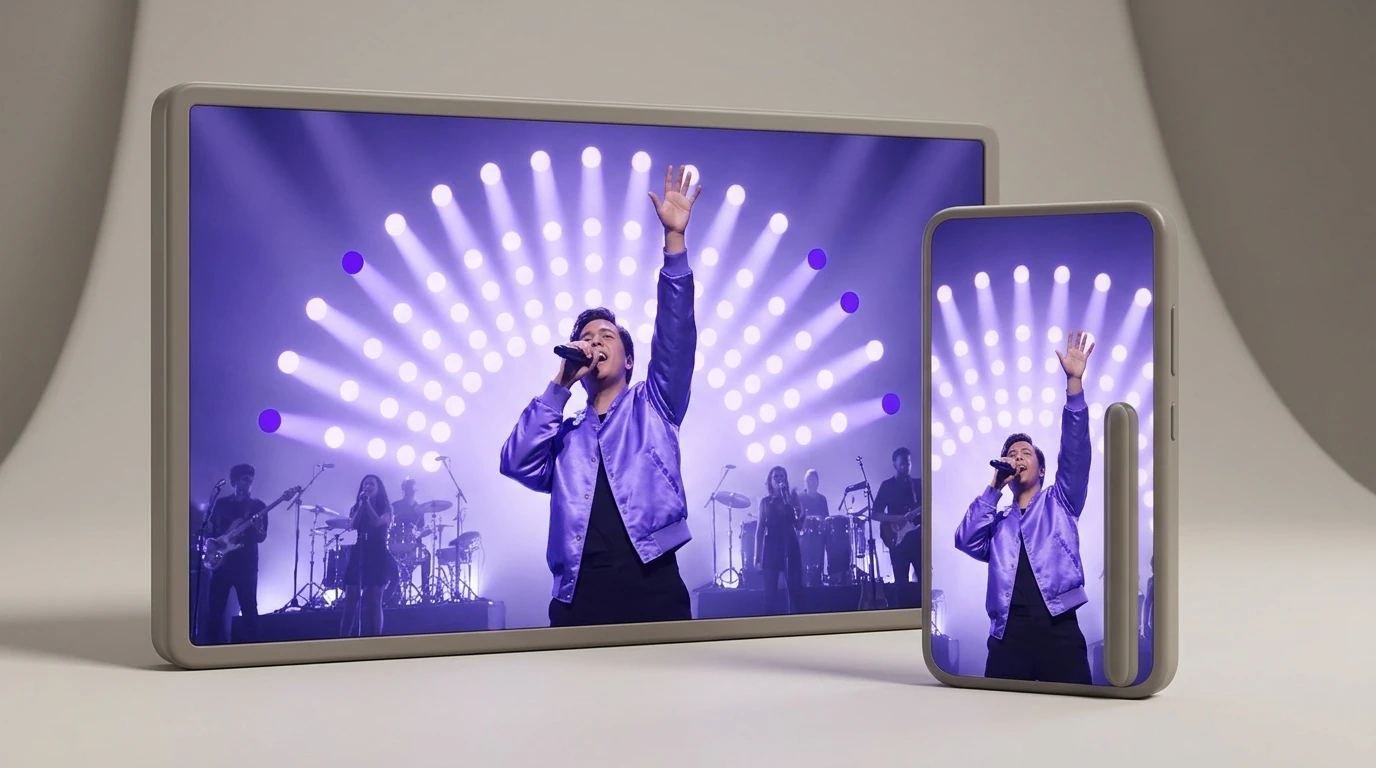
Treat the vertical adaptation as its own edit. A center crop can lose the second dancer or cut the lit washer out of the reveal. For a 9:16 cut, reposition shots individually and swap in a closer angle when the action no longer fits. Check any on-screen text against the destination app’s interface.
As of November 2026, YouTube’s Shorts upload rules classify new square or vertical uploads up to three minutes as Shorts, including uploads to Official Artist Channels. YouTube blocks Shorts longer than one minute if they have an active Content ID claim. If your distributor manages claims on your recording, check the upload’s status before release day.
Run the handoff check before scheduling either edit:
- Inputs: Confirm the locked audio and approved direction match the final cut.
- Files: Check that the widescreen master runs the full song and that the social edit retains the key action. Play both on a phone and check audio sync, text and the opening and closing frames.
- Rights and disclosures: Confirm clearance for the track and visual assets. Check whether the agreement includes editable project files or only renders, and review the destination platform’s synthetic-content disclosure rules.
- Release buffer: Upload ahead of launch. Leave time to review the processed video, resolve a claim or replace a bad export.
Frequently Asked Questions
What is the most iconic pop music video?
There’s no official winner, but Michael Jackson’s “Thriller” is a leading example of a pop video that works as a short film. For a reference list, pick by the craft problem you need to solve. A great story reference may tell you little about how to frame a dance.
Can a full-song music video be one shot?
Yes. Give the frame its own changes: move the performer closer on the chorus or shift the light at the bridge. Rehearse those cues to the locked track so the song still has visual turns without a cut.
Can a music video come out after the single?
Yes. If the master won’t clear review in time, keep the single date and give the video its own release date. Use cleared artwork or a cleared clip in the gap rather than publishing an unfinished cut.
“Light the whole row on the chorus return” is a cue an editor can cut to. Get in touch about your music video brief if you want us to carry that kind of idea through the full-song master and social adaptation. Bring the finished track, the release date and the moment you want the viewer to remember.